
Why doomscrolling keeps pulling you back
Doomscrolling is the habit of repeatedly consuming upsetting, urgent, or emotionally charged updates long after the information has stopped being useful. It often begins with a reasonable goal: checking the news, looking for context, or taking a short break. A feed without a natural end then turns that check into a loop. Every swipe suggests that the next post might finally explain what is happening or make you feel prepared.
The aim is not to ignore the world or make your phone useless. It is to put a boundary around the moments when information becomes automatic consumption. Research has linked frequent social media exposure during stressful events with poorer wellbeing outcomes, which makes a deliberate news routine worth treating as a practical form of self-care.
A practical plan to stop doomscrolling
Start by choosing one or two specific windows for news and social media, rather than checking whenever a notification appears. Put the most triggering apps off your home screen, mute nonessential alerts, and replace the first tap of the day with something finite such as a saved article, a podcast episode, or a short walk.
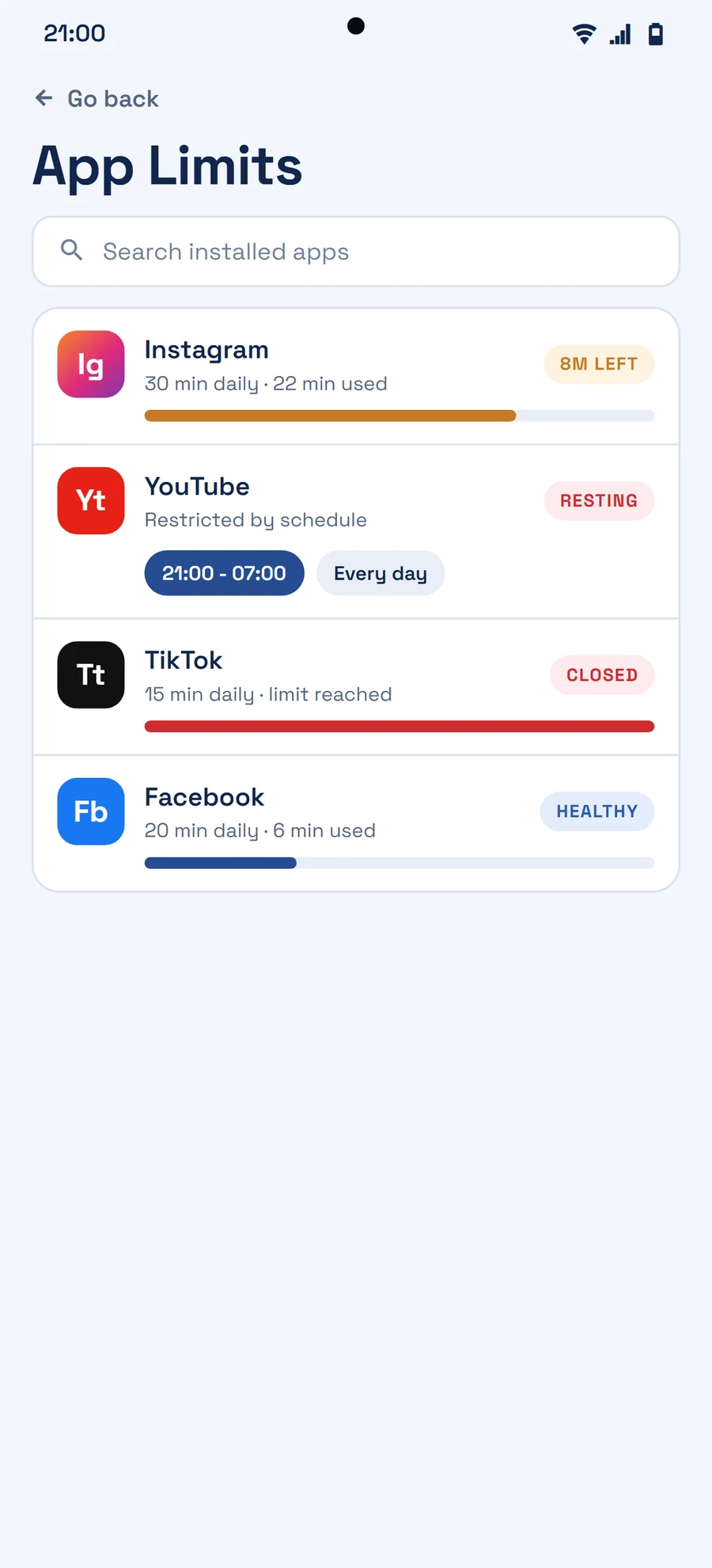
When you notice yourself scrolling without a purpose, ask one simple question: What did I open this app to do? If there is no answer, close it. A time limit, a cooldown, or an intentional-reveal step can create just enough pause for that choice to become visible again. Small friction works best when it supports your goal instead of shaming you for having a phone.