
Build more than one layer of protection
If you want to block explicit content on Android, begin by deciding what you need the protection to cover: search, browsers, apps, or all three. No single setting covers every surface. Google SafeSearch can filter explicit results in Google Search, while Android and Google parental-control tools can add web-content limits in supported experiences. These controls are useful foundations, but they are not a universal filter for every app or browser.
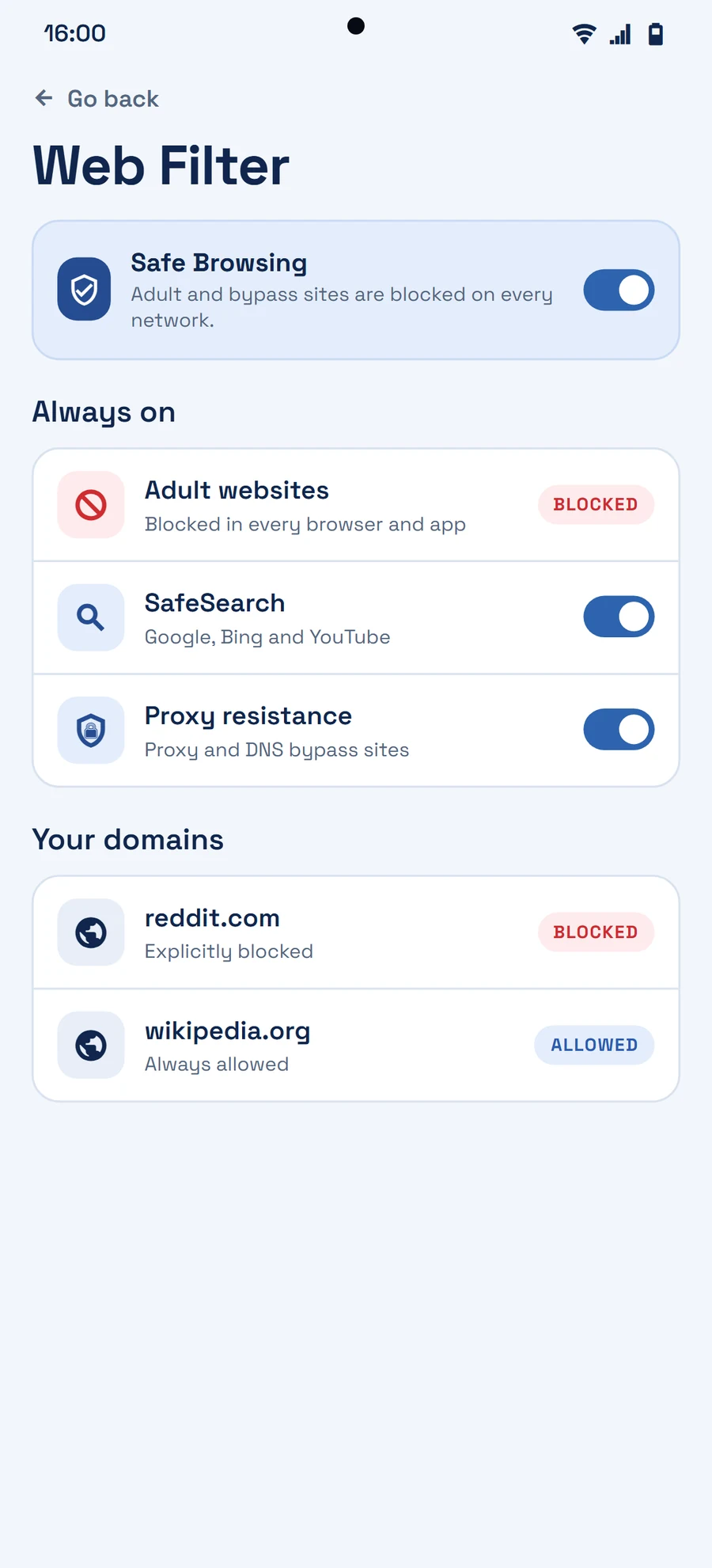
A stronger setup uses several small layers. Turn on SafeSearch where you use Google Search, review browser and family settings, remove browsers you do not need, and use a focused protection tool when you need rules that reach beyond one search page. Keep helpful services such as maps, messages, banking, and work apps available so your system is realistic enough to use every day.
Make the safer choice easier to keep
Protection works best when it supports a clear personal rule. For example, block explicit searches, place high-risk sites behind a delay, and decide in advance what you will do after a blocked moment: switch tasks, message someone, or take a short reset. This moves the goal from perfect willpower to a repeatable routine.
Privacy matters too. Prefer tools that are transparent about what they process and where that data goes. Restrainify is being designed around on-device protection so sensitive screen visuals do not need to become a cloud habit. Review your settings regularly, especially after installing a new browser or social app, because digital boundaries need maintenance just like any other healthy habit.